
Free email finder: find a work email with free credits
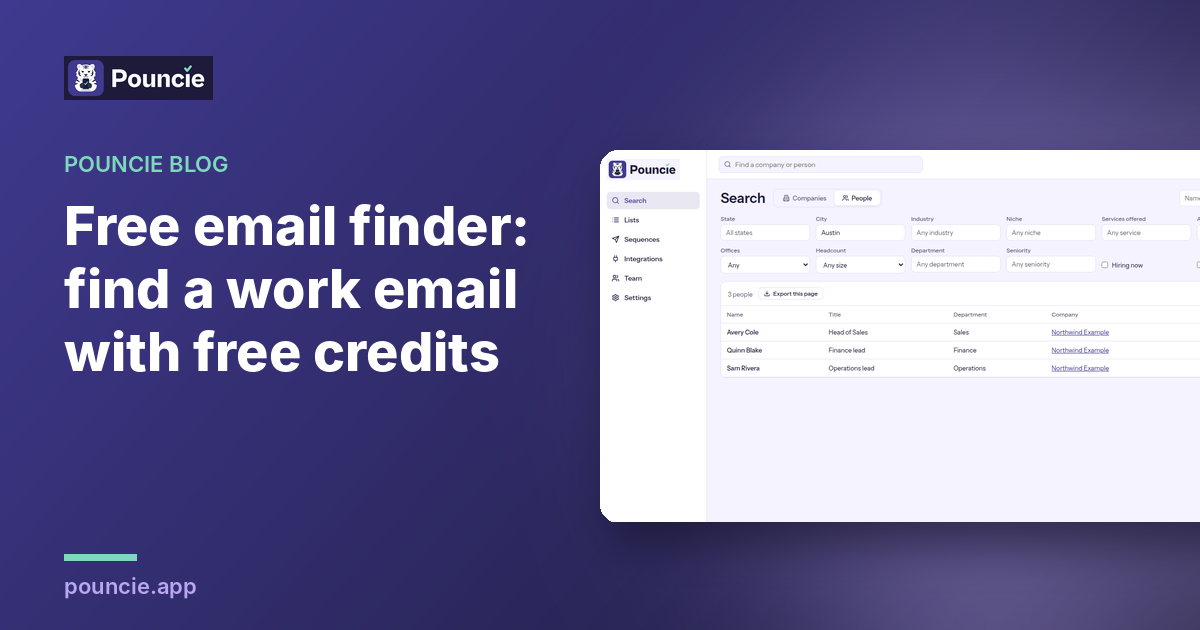
The short answer: sign up for Pouncie and you get 10 free credits with no card. A verified work email costs 1 credit, so your free credits can find up to 10 work emails before you pay anything. Searching companies and people is free, so you only spend a credit on the email you actually want.
What a new Pouncie account gets for free
- 10 free credits, no card and no sales call.
- Free search. Look up any company and see the people who work there with their titles. Looking costs nothing.
- Verified work emails for 1 credit each.
- Direct phone numbers for 2 credits each, if you want to call instead of write.
- A DISC read on a person for 3 credits, with tips for how to write to them.
- The free Chrome extension that shows the company and its decision makers right beside LinkedIn.
Why most free email finders let you down
Plenty of tools call themselves a free email finder. In practice, the free part is often a guess: they build first.last at the company domain and hope. Guessed emails bounce, and every bounce makes your next email more likely to land in spam. A free email that bounces costs you more than a paid one that lands.
Pouncie gives you a real verified email with your free credits, the same email a paying customer gets. Nothing is held back on the free start.
How to find one work email, step by step
1. Create your free account
Go to Pouncie and choose Start free. Sign up with your work email and you start with 10 credits. No card.
2. Search the company
Type the company name, or search by industry and location if you are building a list. Searching is free, so look around as much as you like.
3. Pick the right person
Open the company and look at the people who work there. Choose by title: the person who owns the problem you solve, not just the most senior name on the page.
4. Reveal the email
Reveal their verified work email for 1 credit.
5. Write a short first email
Short subject, one clear ask and a reason it matters to them. If you want help with tone, a DISC read tells you whether this person wants the bottom line first or the details.
6. If it bounces, get the credit back
Email data changes as people move jobs. If a revealed email bounces, tap the flag next to it and choose Bounced. The credit comes back right away (up to 20% of your reveals in a month), and our data team checks the record so the next person gets a better one.
The free Chrome extension for LinkedIn
A lot of prospecting starts on LinkedIn. The Pouncie extension is free to install from the Chrome Web Store and opens in a side panel next to the page you are on.
- Open a company page and see headcount, industry, location, open roles and the decision makers by name and title.
- Open a person's profile and Pouncie reads their current company and shows you the same card.
- One click opens the full company in Pouncie, where you reveal the email or phone you need.
Looking at the card spends no credits. The extension is read only: it never posts, messages or clicks anything on LinkedIn, and it uses the Pouncie sign in you already have.
When it makes sense to pay
Free credits are for trying Pouncie on real people and seeing the emails land. It makes sense to pick a plan when:
- You need more than a handful of emails a week.
- You want direct phone numbers for calling, which use more credits each.
- You are building lists for a whole territory or a campaign.
- More than one person on your team needs to find contacts.
Plans are monthly and you can cancel anytime:
- Pouncie Starter: $29 a user a month, 150 credits a month
- Pouncie Pro: $59 a user a month, 400 credits a month
- Pouncie Team: $119 a user a month, 1,000 credits a month
Annual is 2 months free. On Pro and Team, unused credits roll over for one month and email sequences are included.
Who it is for
Small sales teams, recruiters, founders and freelancers who need a few good contacts, not a giant database contract. If you want to find a work email today, see it land, and get your credit back when one bounces, start with the free credits and decide later.
Ready to find your first email? Start free with 10 credits, no card needed.