
Email finder for small teams: how to find anyone's work email
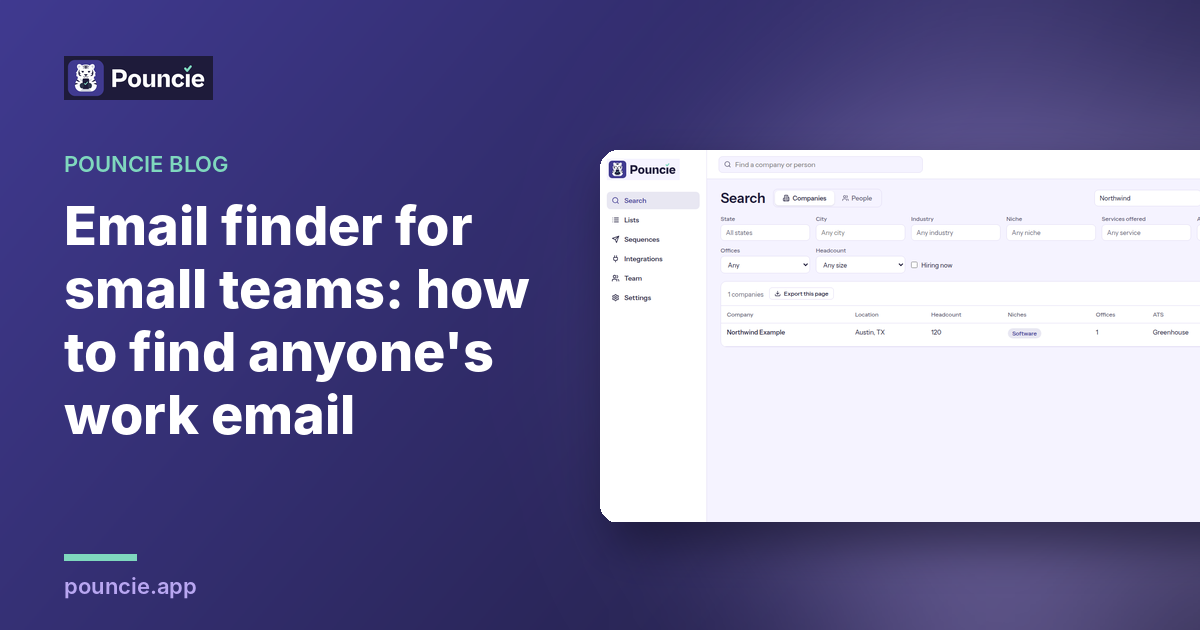
The short answer: an email finder takes a person's name and company and gives you their work email. The good ones verify the address before you pay for it. With Pouncie you search the company for free, pick the person by title, and reveal their verified work email for 1 credit. New accounts start with 10 free credits and no card, and if an email bounces, you get the credit back.
What an email finder does
Most companies use a pattern for work email, like first.last or first initial plus last name at their domain. An email finder does three jobs that are slow to do by hand:
- Finds the person. You need the right name and title at the right company before an email is worth anything.
- Works out the address. It knows the pattern a company uses and the exceptions to it.
- Checks that it is real. A verified email has been checked against the mail server, so it is far less likely to bounce.
The third job is where tools differ most. A guessed address that looks right but bounces hurts you twice: you never reach the person, and every bounce lowers your sender reputation so your next email is more likely to land in spam.
What small teams need from an email finder
Big sales organizations buy data in bulk on annual contracts. A team of one to ten people needs something different:
- Pay for the contacts you use. Searching should be free. You should spend only on the people you actually want to reach.
- A price you can see. No demo or sales call just to learn what it costs.
- Monthly plans. Start small, cancel anytime, and move up when the work grows.
- Credit back for bad data. People change jobs every day. When an email bounces, you should not pay for it.
- Phone numbers in the same place. Some people answer email, some answer the phone. One tool for both saves time.
- Something everyone can learn in five minutes. If it needs training, it will not get used.
How to find anyone's work email with Pouncie
1. Start free
Create an account with your work email. You get 10 free credits with no card, which is enough to find up to 10 verified work emails and see them land. Read more in our free email finder guide.
2. Search the company
Type the company name, or search by industry and location when you are building a list. Searching companies and people costs nothing, so look around first.
3. Pick the person by title
Open the company and see who works there with their titles. Choose the person who owns the problem you solve. That is often the head of a team, not the most senior name on the page.
4. Reveal the verified email
Reveal the work email for 1 credit. If you would rather call, reveal their direct phone for 2 credits.
5. Know how to write to them
A DISC read for 3 credits tells you whether this person wants the bottom line first, a friendly note, a calm step by step plan or the details. It is an estimate from public writing, labeled as one, with tips for your first message.
6. Save them to a list
Keep the people you reveal in a saved list so you can come back to them. On Pro and Team, email and LinkedIn sequences are included, so you can send the first email and the next steps from the same place.
7. Report a bounce and get the credit back
If a revealed email bounces, tap the flag next to it and choose Bounced. The credit comes back right away (up to 20% of your reveals in a month), and our data team checks the record so the next person gets a better one.
Tips for emails that land
- Send from your real work address, not a brand new domain with no history.
- Keep the first email short. One clear ask and one reason it matters to them.
- Write to one person. A note that could go to anyone reads like it went to everyone.
- Stop guessing. If you are not sure of an address, verify it first. One bounce costs more than one credit.
- Follow up once or twice, a few days apart, then try the phone.
For more on writing to the person, see how to find someone's work email and know it will land.
Email finder pricing: what one email really costs
Compare tools on the cost of one verified email, not the size of the plan. With Pouncie, one work email is 1 credit and one direct phone is 2 credits. Plans are monthly:
- Pouncie Starter: $29 a user a month, 150 credits a month
- Pouncie Pro: $59 a user a month, 400 credits a month
- Pouncie Team: $119 a user a month, 1,000 credits a month
Annual is 2 months free. On Pro and Team, unused credits roll over for one month. Bounced emails and wrong numbers get their credit back, so you pay for contacts that work.
Who it is for
Small sales teams, recruiters, founders and freelancers who need the right person at a company and a work email that lands. If you send a few dozen or a few hundred emails a month and want to see the price, start the same day and get your credit back on a bounce, Pouncie is built for you. If you need millions of records on a multi year contract, a large enterprise database is a better fit.
Find your first work email today. Start free with 10 credits, no card needed.